
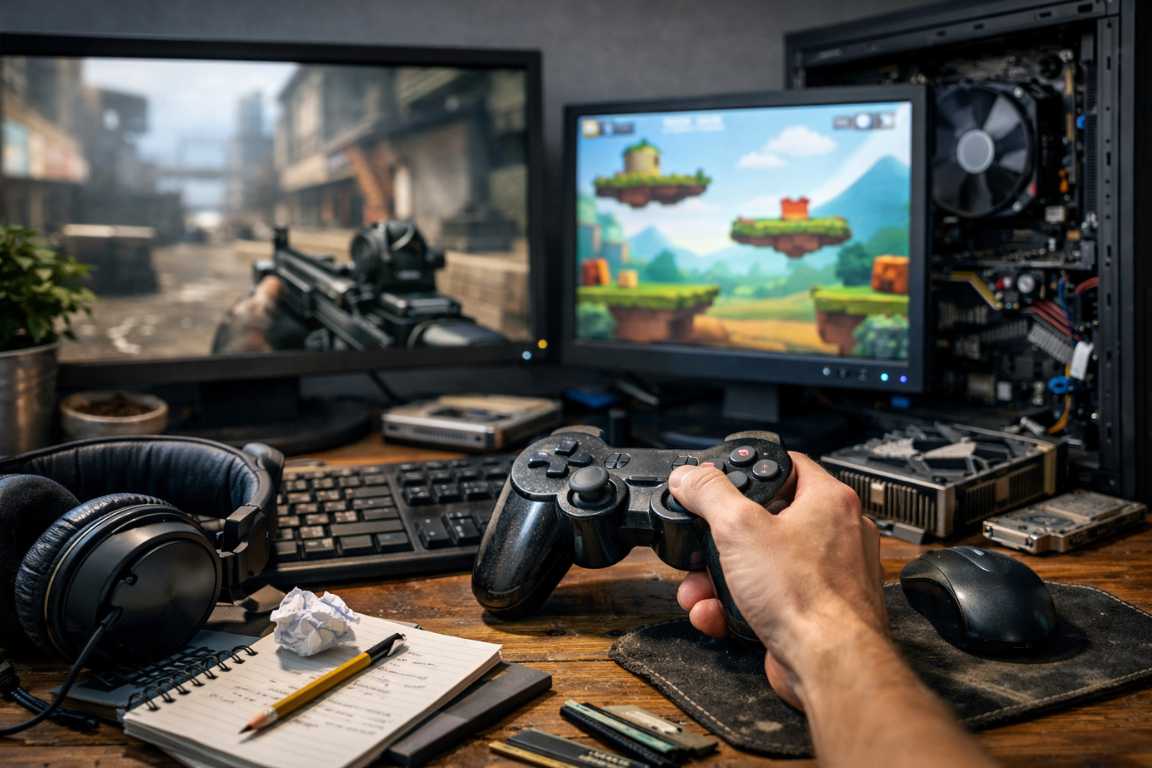
There is a unique and enduring satisfaction in discovering a game that prioritizes substance over style. Whether it is a pixel-art indie gem or a classic title from a bygone era, low-end games offer deep mechanics and nostalgic charm without requiring a high-priced graphics card. However, many players approach these titles with the wrong mindset, leading to technical frustrations and missed opportunities. By identifying Low-End Games Beginner Mistakes and adjusting your approach, you can transform a stuttering experience into a seamless and rewarding journey. Many players assume that because a game looks simple, it will naturally run perfectly, but the reality of software optimization is far more complex.
The world of low-spec gaming is vast, encompassing everything from 90s CRPGs to modern “boomer shooters” and complex strategy simulations. To navigate this landscape effectively, one must understand that “low-end” is a relative term. What was high-end fifteen years ago is now the baseline, yet the way these games interact with modern operating systems can create unexpected hurdles. This guide aims to provide tips and strategies to ensure your hardware is never an obstacle to your enjoyment.
Understanding Your System: The Foundation of Performance
A frequent error among newcomers is assuming that a low-end label means a game will run on any device regardless of its age or condition. While these titles are certainly more accessible, they still possess specific hardware requirements that should not be ignored. Jumping into a game without checking your specifications often leads to preventable performance issues like lag, stuttering, or total system crashes. This is one of the most common mistakes seen in the community today.
Neglecting System Specifications
Even older titles have minimum requirements for RAM and processor speed. Before installing, take a moment to compare your hardware against the developer recommendations. Integrated graphics chips, while much improved in recent years, still have limits that need to be respected. For instance, a game might require 4GB of RAM, but if your system only has 4GB total, the operating system will consume nearly half of that, leaving the game starved for resources. Always look for the “Recommended” specs rather than just the “Minimum” to ensure a stable framerate.
Overlooking Background Processes
A low-end system has limited resources to distribute. Running a web browser with dozens of open tabs, heavy background applications, or even communication software like Discord while gaming can cripple your frame rate. Each open program competes for CPU cycles and memory. Closing unnecessary software ensures your processor can focus entirely on the game. Modern Windows environments are particularly notorious for background telemetry and update services that can spike CPU usage at the most inconvenient times.
Outdated Drivers and Compatibility Layers
Many players forget that even integrated graphics solutions require updated drivers. Manufacturers frequently release patches that improve compatibility and performance for specific titles. Furthermore, when playing classic games on modern versions of Windows 10 or 11, you might encounter beginner errors related to DirectX versions. Utilizing compatibility layers or wrappers like dgVoodoo2 can often bridge the gap between old API calls and modern hardware, significantly improving stability.
Avoiding Low-End Games Beginner Mistakes in Settings
Default configurations are rarely optimized for the lowest end of the hardware spectrum; they are usually designed for a hypothetical middle-ground system. Sticking with these presets is a significant mistake that can lead to an unplayable experience. To achieve a smooth 60 frames per second, you must be willing to dive into the options menu and customize your settings. Many players fear that lowering settings will ruin the game, but in many low-end titles, the visual difference is negligible compared to the performance gains.
Prioritize Resolution Adjustments
Running a game at your monitor’s native resolution (such as 1080p or 1440p) is ideal for high-end rigs, but it is often the biggest performance drain on older hardware. Resolution dictates the number of pixels your GPU must calculate for every single frame. Dropping the resolution slightly—for example, from 1920×1080 to 1280×720—can result in a massive boost to your frames per second. In older or stylized games, the slightly softer image often adds to the aesthetic rather than detracting from it.
Manage Shadow and Lighting Quality
Shadows are surprisingly resource-intensive because they require the computer to calculate light paths and occlusions in real-time. In many low-end titles, dynamic shadows consume a large portion of your processing power. If you are experiencing “chugging” in open areas, disabling shadows or lowering their quality to the minimum can stabilize your performance instantly. Static lighting is far less taxing than dynamic, real-time lighting, so look for settings that bake lighting into the environment.
Disable Unnecessary Anti-Aliasing
While anti-aliasing (AA) smooths out jagged edges, it is a luxury that low-end systems can rarely afford. Techniques like MSAA or SSAA are incredibly heavy on video memory. For many pixel-based or older 3D games, the visual improvement is minimal compared to the significant performance cost. If you must have some edge smoothing, look for post-processing AA methods like FXAA, which have a much lower performance impact, though they may introduce a slight blurriness to the image.
Texture Quality and VRAM Limits
Texture quality is often tied directly to the amount of Video RAM (VRAM) your system possesses. If you set your textures too high, the system swaps data between the GPU and the much slower system RAM, causing massive ‘hitch’ moments during gameplay.. Lowering texture quality usually has the smallest impact on framerate but the largest impact on consistency and the elimination of micro-stuttering.
Strategic and Mechanical Pitfalls
Beyond the technical side, beginner gameplay mistakes can hinder your enjoyment.Low-end games, particularly those from the early 2000s or complex indie projects, often demand more attention to detail than modern, streamlined blockbusters. They often lack the “quality of life” features we have come to expect, meaning the player must take more responsibility for their progress.
The Danger of Skipping Tutorials and Lore
Older titles rarely feature the extensive hand-holding or “quest markers” found in modern gaming. Skipping a tutorial or ignoring dialogue can leave you fundamentally confused about how the game works. Many players reflexively skip text that hides information about character builds, item combinations, or hidden mechanics.In a low-end RPG, failing to understand a single stat like “Agility” or “Perception” could lead to a character build that is unable to complete the game halfway through.
Lack of Patience and Persistence
Modern gaming often emphasizes immediate gratification and constant progression. In contrast, many classic and low-end games feature steeper learning curves and difficult spikes. Expecting immediate mastery is a recipe for frustration. Success in these games often requires practice, experimentation, and a willingness to learn from failure. The “Game Over” screen was a much more common sight in the past, and learning to view it as a lesson rather than a defeat is crucial for enjoying these titles.
Ignoring Save Management
One of the most common mistakes players make in older games is relying on a single save slot or assuming the game has a robust auto-save feature. Many classic titles only save when you tell them to. Failing to save frequently—or “save-scumming” before a dangerous encounter—can result in losing hours of progress. Always maintain multiple save files in case one becomes corrupted or you find yourself in an unwinnable situation due to poor resource management.
Leveraging Community Knowledge
One of the most avoidable Low-End Games Beginner Mistakes is failing to use the wealth of information available online. For almost every low-end game, there is a dedicated community of veterans who have already solved the very problems you might be facing. Whether it is a technical bug or a difficult puzzle, you do not have to struggle alone.
Utilizing Guides and Walkthroughs
If you find yourself stuck on a specific puzzle or boss, a quick search can provide a solution that saves hours of frustration. Online wikis and walkthroughs are essential tools for navigating older games that may have obscure objectives. In the era before the internet was ubiquitous, games were often designed to be discussed on playgrounds or in magazines, leading to some designs that feel unintuitive by today’s standards.
Engaging with Forums and Fan Content
Many older games have active subreddits or Discord servers where players share optimization tips and fan-made patches. These community-driven updates, such as the “SilentPatch” for various titles or widescreen fixes, often fix bugs that the original developers left behind and can even add modern features. These mods are frequently essential for making a game run correctly on modern hardware and can significantly improve the user interface and controls.
Optimizing the Operating System for Gaming
To truly get the most out of a low-end machine, you must look beyond the game settings and address the operating system itself. Windows is a general-purpose tool, and out of the box, it is not optimized for gaming. Several small tweaks can yield surprising performance benefits.
Setting Power Plans to High Performance
Many laptops and desktops default to a ‘Balanced’ power plan.. This allows the CPU to downclock itself to save energy. For gaming, you want your processor running at its maximum rated speed consistently. Setting your power mode to ‘High Performance’ ensures that your hardware runs at full capacity while you play.
Game Mode and Visual Effects
Windows has a built-in “Game Mode” that prioritizes gaming processes. While its effectiveness varies, it generally helps by preventing Windows Update from installing drivers in the background. Additionally, you can disable Windows’ own visual effects (like transparency and window animations) to free up a small amount of system resources. Every megabyte of RAM saved is a megabyte that the game can use.
Practical Preparations for a Better Experience
To ensure your gaming session is as smooth as possible, adopt a proactive preparation routine. Start by verifying your system requirements and closing all non-essential background tasks. If you are using a traditional hard drive (HDD) rather than a solid-state drive (SSD), a quick defragmentation can also help with loading times, as it organizes data more efficiently for the physical read head.
If your budget allows for it, even minor hardware upgrades can breathe new life into an older machine. Adding more RAM is usually an affordable way to improve general system responsiveness. Similarly, switching from a mechanical hard drive to a budget-friendly SSD will not increase your frame rate, but it will make the entire operating system feel much faster and reduce “stutter” caused by the game loading assets from the disk.
Physical maintenance should also not be overlooked. Dust buildup in a laptop or desktop can cause the components to overheat, leading to “thermal throttling.” This is when the hardware slows itself down to prevent physical damage from heat. Cleaning your fans with compressed air can sometimes restore performance that has degraded over time.
Frequently Asked Questions
Why does my game lag even on the lowest settings?
This is often caused by a resolution that is too high for your hardware. Try lowering the display resolution within the game settings. Additionally, ensure your laptop is plugged into a power source, as many devices throttle performance when running on battery. Another possibility is a CPU bottleneck where background apps are competing for processing power.
Is it worth playing modern indie games on old hardware?
Many modern indie games optimize well, but very old hardware might struggle to run them because they use modern software libraries like Unity or Unreal Engine 4.Even if the graphics look “retro,” the underlying engine might require a modern 64-bit OS and a GPU that supports DirectX 11. Always check the specific requirements on the store page before purchasing.
How do I find requirements for games that are no longer supported?
Websites like PCGamingWiki are invaluable for finding the original requirements and modern compatibility fixes for classic titles. They often list known bugs and provide links to community-made patches that are necessary for modern systems.
Can software boosters improve my performance?
The most effective way to boost performance is through manual optimization. Software that claims to boost your PC often just closes background tasks, which you can do yourself more effectively without adding more bloatware to your system. Some “boosters” can actually slow your system down by consuming resources themselves.
What is the best way to handle old games that crash on startup?
The first step should be checking the compatibility settings in Windows. Right-click the game’s executable, go to Properties, and under the Compatibility tab, try running the game in “Compatibility Mode” for Windows XP or Windows 7. Additionally, running the game as an Administrator can solve permission-related crashes.
Conclusion
The world of low-end gaming is vast and full of high-quality experiences that do not require the latest hardware. However, a smooth experience is rarely guaranteed by default.
By understanding your system’s limits, mastering the settings menu, and approaching gameplay patiently, you can avoid the most common Low-End Games Beginner Mistakes.
Remember, a game’s quality comes from its mechanics, writing, and ability to engage players—not just graphics. Some of the most influential titles run perfectly on laptops over ten years old.
With these tips, you can explore the best of low-end gaming and turn any machine into a gateway to hundreds of worlds. Don’t let a lack of high-end hardware stop you; a little optimization and knowledge can make any PC a powerful gaming machine.