
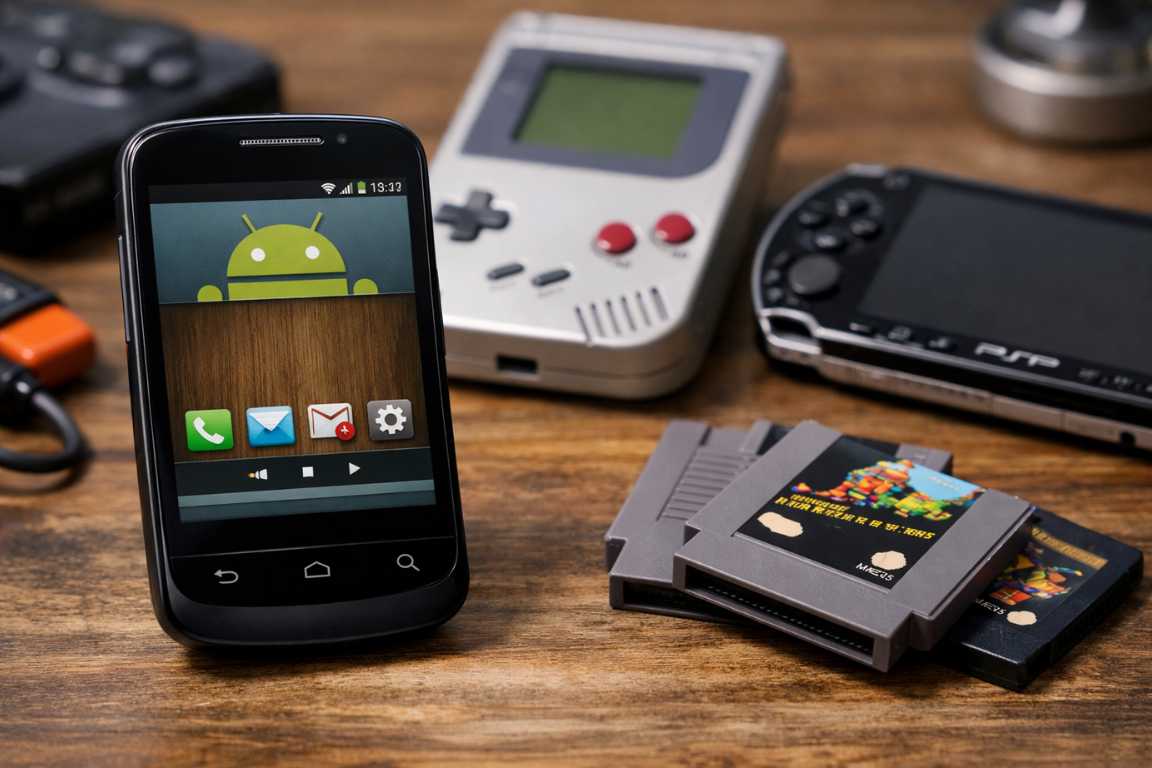
Today’s mobile market features high-end specifications and massive storage capacities. However, many people find joy in returning to early Android roots. Many users keep older devices as backup phones or dedicated media players. These gadgets often hold untapped potential as specialized gaming handhelds. You can find many excellent Games for Old Android Versions if you know where to look. This guide explores how to breathe new life into legacy hardware. We will revisit the titles that defined the early era of mobile play. You can transform your old handset into a powerful retro console with just a few steps.
Finding quality software for a ten-year-old phone requires some patience. Modern app stores often hide apps that do not support the latest security patches. This does not mean the software no longer works. It simply means the official distribution channels prioritize new hardware. By exploring legacy android games, you tap into a library of focused experiences. These games usually run without an active internet connection. They also avoid the aggressive monetization seen in modern titles. This makes them perfect for children or for distraction-free gaming sessions.
Why Revisit Legacy Android Games?
There is more to playing legacy android games than simple nostalgia. For many, an older device offers a dedicated, distraction-free environment. Modern operating systems use resource-heavy background processes. Older phones provide a streamlined experience once you remove unnecessary bloatware. These devices become dedicated gaming machines that do one thing well. Furthermore, older titles focused on core mechanics rather than constant data connectivity. Developers in the early 2010s had to work within strict hardware limits. This led to creative solutions and highly optimized code.
Keeping these devices active is also a sustainable choice. Most people discard phones after three years. This creates a massive amount of electronic waste. By finding Games for Old Android Versions, you extend the functional life of your hardware. You reduce your environmental footprint while enjoying classic entertainment. Older screens also have a specific charm. The lower pixel density of early displays complements pixel-art styles perfectly. You get an authentic visual experience that modern high-resolution screens cannot replicate.
The Enduring Charm of Old OS Games
The primary appeal of old OS games lies in their efficiency. They run fluidly on hardware that struggles with modern applications. This efficiency translates to better thermal management. Your phone will not overheat while playing a simple 2D platformer. You will also notice faster loading times compared to modern heavyweights. Most importantly, these games offer extended battery life. A phone that dies in an hour on a modern 3D game might last all day on a legacy title.
Players appreciate clean art styles and straightforward gameplay loops. The early years of the Play Store offer a massive library of content. This content remains remarkably engaging today. You do not need realistic lighting or complex physics for a fun game. You only need a solid idea and responsive controls. Many old OS games perfected the “pick up and play” philosophy. They respect your time and provide instant gratification without long tutorials.
Finding Compatible Games for Old Android Versions
Navigating the software landscape for older devices presents unique challenges. The Google Play Store evolves constantly. It often restricts access to apps that do not meet current API requirements. However, the mobile gaming community is very diligent. They work hard to preserve these digital artifacts for future generations. You can still find Games for Old Android Versions through various community-driven platforms.
To find compatible software, enthusiasts turn to reputable community archives. Websites like APKMirror or the Internet Archive host older versions of popular apps. These resources allow users to find specific versions of apps. You can find the exact build that was optimized for your specific hardware. Safety is always paramount when downloading files. You should prioritize well-known community hubs. Always verify the integrity of any files before installation. This ensures your device remains secure and free from malware.
When you download an APK file, you must enable “Unknown Sources” in your settings. This allows the device to install apps from outside the Play Store. Be careful when granting permissions. Older Android versions have different permission models than modern ones. Read what the app asks for before you click accept. Most offline games should not need access to your contacts or location.
Categories That Excel on Legacy Hardware
Classic Puzzle Games: Many timeless logic puzzles require minimal processing power. They offer deep, rewarding challenges without taxing the GPU. Games like “Cut the Rope” or “Where’s My Water?” are perfect examples. They use simple physics and bright colors to create engaging levels. These titles run perfectly on devices with limited RAM.
Early Arcade Racers: Before the shift toward hyper-realistic simulation, arcade racers prioritized speed. They featured responsive touch controls and vibrant environments. Titles like “Raging Thunder” or the early “Asphalt” games are ideal for older processors. They provide a sense of speed that remains impressive today.
Strategy and Turn-Based Titles: These games do not rely on high frame rates. This makes them excellent candidates for older screens and chipsets. You can take your time to plan your next move. The hardware can process the logic in the background without lag. Consider titles like “UniWar” or classic tower defense games.
Retro Platformers: 2D side-scrollers are inherently lightweight. They often provide more precise controls on older touchscreens. Pixel-art adventures do not require high-end shaders to look good. They rely on art direction and level design. These legacy android games represent some of the best values in mobile history.
Top Picks: Games That Shine on Older Devices
When searching for the best titles, look for games that emphasize design. Iconic early hits like the original “Angry Birds” were built for this hardware. The first versions of “Temple Run” and “Fruit Ninja” also perform very well. These versions lack the bloat of modern updates. They offer a snappier and more authentic experience. You get the gameplay you remember without the intrusive ads of today.
Beyond mainstream hits, the early Android era was a golden age for indies. Independent developers created experimental 2D adventures. Many of these games used unique mechanics like the accelerometer or multi-touch gestures. You can find hidden gems that never received modern ports. These games represent a specific moment in mobile history.
Additionally, many older phones are excellent candidates for running emulators. You can emulate classic consoles like the NES, SNES, or Game Boy Advance. If you legally own the original software, this is a great option. It transforms a retired smartphone into a comprehensive retro gaming hub. Emulators are usually very well-optimized for old OS games. They allow you to play thousands of titles on a single handheld device.
Specific Game Recommendations
1. Jetpack Joyride: This endless runner features simple one-touch controls. You help Barry Steakfries escape a secret lab. The game runs smoothly on almost any hardware from the last decade. It offers a lot of upgrades and challenges to keep you busy.
2. Plants vs. Zombies: This is a masterpiece of the tower defense genre. You defend your home from waves of quirky zombies. The 2D art style looks great on older LCD screens. The gameplay is deep but easy to understand. It remains one of the best legacy android games ever made.
3. Doodle Jump: This game defined the early smartphone era. You tilt your phone to guide a character up a series of platforms. It uses the accelerometer perfectly. Because the graphics are so simple, it puts almost no strain on your battery.
4. World of Goo: This puzzle game features incredible physics. You build structures out of living balls of goo. It is visually stunning yet very efficient. The game proves that great art design matters more than raw polygon counts.
5. Zenonia: If you enjoy action RPGs, Zenonia is a classic. It features a retro 16-bit art style and deep character customization. The controls are perfect for a small screen. It offers dozens of hours of gameplay on a very small install size.
Technical Hurdles and Solutions
Running software on old hardware involves some technical knowledge. You might encounter issues with “parsing the package.” This usually means the app requires a newer version of Android. Always check the “Minimum SDK” version of the APK before downloading. If your phone runs Android 4.0, look for apps that support API level 14 or lower. There are many tools online that help you identify these requirements.
Another issue involves hardware architecture. Older phones often use ARMv6 or early ARMv7 processors. Some modern APKs only support 64-bit architectures. You must look for 32-bit versions of your favorite old OS games. Community forums like XDA Developers are excellent resources for this information. They often host modified versions of apps that work on vintage hardware.
Storage management is also crucial. Older phones often have only 8GB or 16GB of internal space. You should move your games to an SD card if possible. However, remember that SD cards are slower than internal memory. This might increase your loading times. Always keep at least 10% of your internal storage free. This allows the operating system to function properly during gameplay.
Tips for Optimizing Performance on Legacy Android Phones
To ensure the smoothest experience, follow these maintenance steps. First, clear your system cache regularly. Temporary files can slow down the operating system. You can do this in the storage settings of your device. This simple action often fixes lag and stuttering in Games for Old Android Versions.
Second, manage your background processes carefully. Close unnecessary applications before you start a game. You can use the “Developer Options” to limit background tasks. This ensures the maximum amount of RAM is available for your game. On older devices, even 50MB of freed RAM can make a huge difference.
Third, use a lightweight launcher. Manufacturers often include heavy software skins on their phones. These skins consume valuable CPU cycles and memory. Replace them with a minimalist launcher from the Play Store. Search for “low RAM launchers” to find the best options. This makes the entire phone feel faster and more responsive.
Finally, monitor your device temperature. Older hardware may heat up during long sessions. Heat causes the processor to slow down to protect itself. Taking brief breaks helps maintain consistent performance levels. Avoid playing while the phone is charging. Charging generates extra heat that can negatively impact your frame rate.
Frequently Asked Questions
Can I still download games for very old Android versions?
Yes, you can still find software. While the official Play Store may limit options, archived versions exist on third-party sites. Use caution and verify the source of any downloaded files. Websites like APKMirror are generally considered safe by the community.
What kind of games run best on legacy devices?
Simple 2D titles and puzzle games perform best. Early 3D arcade games also work well. Look for titles with lower system requirements. Games that do not require a constant internet connection are ideal. These apps consume less power and run more reliably.
Is it safe to install games from outside the Play Store?
Installing files from third-party sources carries risks. To stay safe, only use well-regarded community archives. You can use security software to scan files on your computer before transferring them to the phone. Only enable “Unknown Sources” when you are actually installing a trusted file.
Will playing old games damage my battery?
Running games on older devices is safe. However, aging batteries naturally have less capacity. Because legacy android games are less resource-intensive, they use less power. They are actually better for your battery than trying to run modern, demanding apps.
How do I find out my Android version?
Go to your phone settings and look for “About Phone.” You will see a line labeled “Android Version.” This number tells you which games will be compatible with your device. Most old OS games target versions like 2.3, 4.0, or 4.4.
Conclusion
Revisiting Games for Old Android Versions is a rewarding way to honor gaming history. It allows you to make the most of your existing technology. While it requires effort to curate a library, the result is highly enjoyable. You get a focused and nostalgic gaming experience. Good design is timeless and transcends hardware specs. By looking back at the classic era of the Android OS, you rediscover simple fun. You can save money, reduce waste, and enjoy legendary titles all at once. Grab your old device, clear the cache, and start your retro adventure today.