
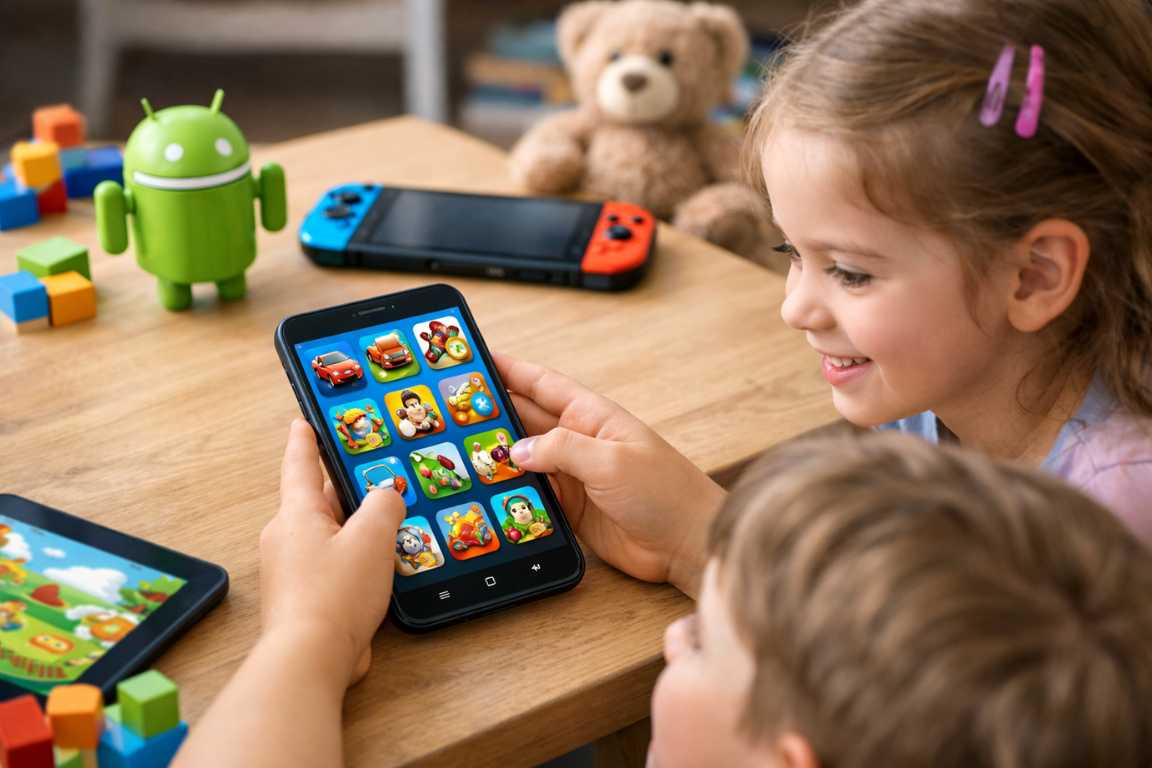
Handing a child a mobile device opens up a world of discovery. However, this choice presents a significant challenge for modern parents. You must find content that genuinely enriches your child rather than just providing a distraction. The Google Play Store contains millions of options. Identifying truly Android Games for Kids requires a careful look at safety and educational value. You also need to consider age-appropriateness for every title you download.
This guide simplifies your search by providing a curated list of high-quality titles. We focus on games that champion creativity and critical thinking. These selections maintain a secure digital playground for your family. Perhaps you seek a toddler’s first interactive experience. Maybe you need a strategic challenge for a pre-teen. These kid-friendly android games meet high standards for privacy and engagement. We have verified these safe games to ensure they protect your child while they play.
Choosing the Best Android Games for Kids
The landscape of mobile gaming is incredibly diverse. Developers tailor titles for every developmental milestone. You must understand your child’s specific needs before selecting content. A game that captivates a preschooler will likely bore a ten-year-old. Likewise, the cognitive demands of older games may frustrate younger players. You ensure that screen time remains beneficial by matching games to developmental stages. This proactive approach turns a simple tablet into a powerful learning tool.
Parents should look for games that encourage active participation. Avoid apps that only require passive watching. High-quality Android Games for Kids prompt children to solve puzzles or create art. They often reward curiosity and allow for experimentation without harsh penalties. This builds confidence and fosters a love for learning through digital media.
Toddlers and Preschoolers (Ages 2-5): Early Learning
The best games for the youngest users focus on fundamental concepts. These apps use simple mechanics and vibrant visuals to hold attention. Early childhood experiences should prioritize specific developmental goals. These goals include shape recognition and color identification. Interactive puzzles and sorting activities work best for this age group.
Letter and number introduction also plays a huge role. Engaging tasks make the alphabet and counting feel like a fun adventure. You should look for apps that demonstrate cause and effect. Simple taps and swipes should produce immediate reactions. This feedback loop helps toddlers understand how their actions influence the digital world. Imaginative play is another critical factor. Digital dollhouses and virtual pet simulators encourage children to tell their own stories.
Top Picks for Toddlers
- Sago Mini World: This app offers dozens of games in one. It focuses on creative play and discovery without high scores or time limits.
- Endless Alphabet: This game uses adorable monsters to teach phonics. It provides a tactile way for children to learn how letters form words.
- Toca Kitchen 2: Children can cook whatever they want for various characters. It encourages experimentation and teaches basic kitchen concepts in a fun way.
- PBS Kids Games: This collection features characters from popular shows. It offers educational content that aligns with early childhood curriculum standards.
Look for interfaces that remain intuitive. Young children cannot read complex menus. These kid-friendly android games use icons and voice prompts instead. Features like repetition and positive reinforcement create a stress-free environment. A lack of timers ensures that the child never feels rushed during their play session.
Early Elementary (Ages 6-8): Building Skills
Children enter school and their capacity for complex challenges increases. They begin to appreciate narrative-driven play. Games for this age group should introduce integrated learning. Math and reading skills should weave directly into missions and challenges. This makes the educational aspect feel like a core part of the fun.
Problem-solving becomes more important at this stage. You should find mazes and puzzles that require basic strategic thinking. Construction games also offer great value. Children love to design their own worlds or customize their characters. These safe games provide a platform for self-expression. Curiosity-driven exploration rewards children for venturing off the beaten path. This age group benefits from clearer objectives and a gentle learning curve.
Top Picks for Elementary Students
- Thinkrolls 2: This physics-based puzzler challenges children to think ahead. It uses logic and gravity to teach scientific concepts.
- Prodigy Math: This fantasy adventure turns math problems into magic spells. It adapts to the skill level of the student to provide the right challenge.
- LEGO Creator Islands: Kids build houses and vehicles using digital bricks. It fosters spatial awareness and creativity without the mess of physical blocks.
- ScratchJr: This app introduces the basics of coding. Children can create their own interactive stories and games using simple visual blocks.
This is the ideal time to begin using parental controls. You can ensure the content remains age-appropriate as they explore more features. Many games at this level include light social elements. Always verify that these elements remain moderated or restricted to friends only.
Older Children (Ages 9-12): Strategy and Tactics
Pre-teens often look for sophisticated mechanics. They want opportunities to test their skills against harder AI or friends. Popular genres for this group include resource management and tactical planning. Role-playing games feature character progression and deep storytelling. These narratives can teach empathy and complex decision-making.
Advanced creativity tools also appeal to older kids. They might enjoy games with complex building systems or digital art tools. Many children in this age range want to play with others. Controlled multiplayer environments allow them to interact with friends safely. You must verify communication settings for every multiplayer game. Reputable developers offer modes that restrict interaction to pre-approved phrases. This ensures the social experience remains positive and secure.
Top Picks for Pre-Teens
- Minecraft: This game defines creative freedom. Players build entire worlds and learn about resource management and survival.
- Monument Valley: This beautiful puzzle game challenges spatial reasoning. It uses impossible geometry and stunning art to engage the mind.
- Stardew Valley: This farming simulation teaches patience and planning. It offers a non-violent environment where players grow crops and build a community.
- Alto’s Odyssey: This endless runner features breathtaking visuals and a calming soundtrack. It requires focus and quick reflexes to master.
Key Features of High-Quality Kids Games
Beyond age-appropriateness, several critical features define a high-quality experience. Prioritizing these elements will help you make informed decisions. It also provides peace of mind while your child explores their device. You want to look for Android Games for Kids that respect the user.
No In-App Purchases
Hidden costs represent a major concern for most parents. Many free games pressure players to buy virtual currency. They might also lock content behind paywalls. The best options for children omit these purchases entirely. Some developers protect them behind a robust parental gate. Consider purchasing a premium game upfront. This avoids the distractions of aggressive monetization and ensures a complete experience.
Ad-Free Experiences
Advertisements can disrupt the flow of play. They may also expose children to inappropriate themes. Premium games typically offer an ad-free experience. If a game includes ads, check if the developer uses kid-safe networks. These networks strictly filter content for younger audiences. Safe games should never track your child for advertising purposes.
Strong Privacy and Data Protection
Data awareness is essential in the modern era. You must scrutinize an app’s privacy policy before installation. Reputable developers remain transparent about the data they collect. Look for kid-friendly android games that comply with COPPA regulations. This act indicates a high standard of data security for minors. Protecting your child’s identity is just as important as protecting them from bad content.
Educational Value
The best games weave learning into the core gameplay. This can range from fostering social-emotional skills to teaching literacy. Some games even introduce basic coding or physics. Games that use positive reinforcement create a healthy environment. Constructive feedback helps a child grow their confidence. Avoid games that penalize mistakes too harshly, as this causes frustration.
Effective Use of Parental Controls on Android
Technical safeguards remain a vital part of digital parenting. Android devices offer several built-in tools to help you. Google Family Link is a highly effective tool for every parent. It allows you to set screen time limits for individual apps. You can also approve or block app downloads from your own phone. This tool tracks device location to keep your family safe.
The Google Play Store settings also allow content restrictions. You can filter apps based on maturity ratings. This ensures that only appropriate Android Games for Kids appear in searches. You should also configure your account to require a password for every purchase. This prevents accidental spending. It also encourages children to ask for permission before they buy something new. These habits build a foundation for responsible digital citizenship.
Managing Screen Time and Physical Health
Selecting safe games is only the first step. You must also manage how long your child plays. Too much screen time can affect sleep and physical health. Encourage regular breaks to rest their eyes. Experts suggest the 20-20-20 rule. Every 20 minutes, look at something 20 feet away for 20 seconds. This simple habit reduces eye strain significantly.
Proper posture also matters. Children should not hunch over their devices for long periods. Try to set up a dedicated space for gaming with good lighting. Talk to your child about the importance of physical activity. Balance digital play with outdoor time or reading physical books. This holistic approach ensures that technology remains a positive addition to their life.
Frequently Asked Questions
How can I verify if a game is truly appropriate?
Check for clear age ratings like ESRB or PEGI on the store page. You should also read reviews from other parents. Trusted parenting websites often vet new titles for safety. Always download the game yourself first to test the content.
What are the risks of free games?
Free games often rely on advertisements to make money. They may include frequent prompts for in-app purchases. Some free titles have less rigorous content moderation. Testing a free game yourself remains the best way to ensure it is one of the safe games your child can use.
How can I manage screen time effectively?
Use tools like Google Family Link or the native Digital Wellbeing settings. These tools allow you to schedule downtime. You can also set daily usage limits for specific kid-friendly android games.
Are there games that focus specifically on school subjects?
Yes. Many developers specialize in educational content. You can find games covering math, reading, science, and coding. Look for titles from established educational publishers to ensure accuracy.
What should I do if my child sees something inappropriate?
Stop the usage of the game immediately. Report the content to the developer and the Google Play Store. Use this moment as a teaching opportunity. Discuss online safety and reassure your child that they did the right thing by telling you.
Can I play these games offline?
Many Android Games for Kids offer offline modes. This is perfect for long car rides or flights. Check the app description to see if it requires a constant internet connection.
Do these games track my child’s location?
Most safe games do not require location data. You can manage app permissions in your Android settings. Turn off location access for any game that does not need it to function.
Are paid games better than free ones?
Paid games often provide a cleaner experience. They usually lack ads and in-app purchases. This creates a safer and more focused environment for your child.
Conclusion
Navigating the world of mobile gaming requires both the right tools and active participation. You can turn screen time into a rewarding part of the day by prioritizing quality. Focus on games that respect privacy and offer educational value. Always avoid titles that use aggressive monetization tactics. By selecting the best Android Games for Kids, you provide a foundation for learning and growth.
Digital entertainment works best when parents stay involved. Talk to your children about what they play. Understand what excites them and what challenges them. Use parental controls to maintain a balanced and secure environment. With a thoughtful approach, the world of Android Games for Kids becomes a rich landscape. It offers endless opportunities for creativity, skill-building, and family fun.