
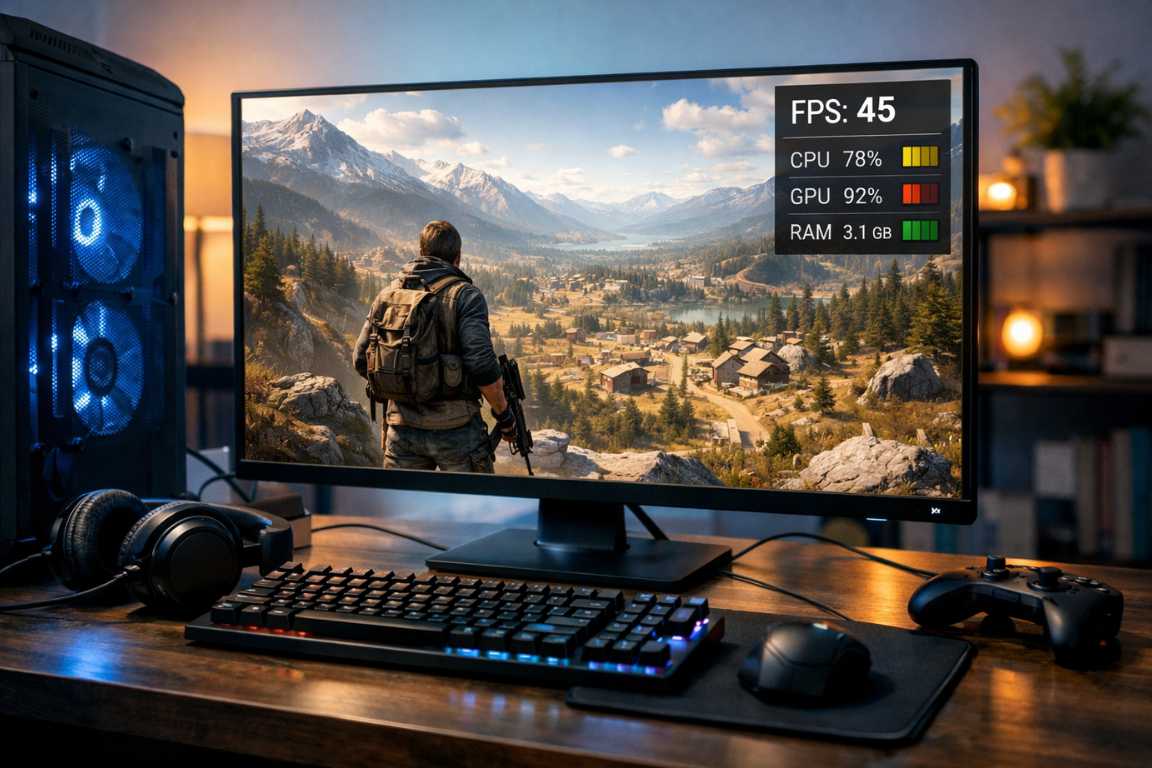
Vast landscapes and limitless freedom shouldn’t be locked behind a four-figure price tag. While the allure of expansive virtual worlds is undeniable, many players find their journey cut short by stuttering frame rates and unplayable lag. However, a thrilling open-world experience is not exclusive to high-end rigs. This guide provides proven strategies and Low-End Open World Games Tips to help you optimize ambitious titles and enjoy the depth they offer, even on modest hardware. With the right approach, you can transform your gaming experience and embark on epic journeys without needing the latest technology. Whether you are working with an aging laptop or a desktop with integrated graphics, achieving a playable and immersive experience is entirely possible through diligent optimization and smart game selection.
Identifying the Best Titles for Your System
The first step to a satisfying experience is choosing titles known for their scalability or selecting older releases that still offer immense value. Not all open-world games are built with the same level of optimization, so a small amount of research can save hours of frustration. When looking for an open world low-end compatible title, it is important to look beyond the marketing trailers and focus on the engine’s reputation for stability. Many modern games are “unoptimized,” meaning they require massive amounts of raw power to brute-force through poor coding. Conversely, many older masterpieces were designed to run on hardware that is now considered obsolete, making them perfect candidates for your current setup.
Researching Compatibility
Before committing to a download, check the minimum system requirements against your hardware. Resources like community forums and performance databases often provide detailed tweaks for specific games on weaker systems. Prioritize games released several years ago or those specifically praised for their light resource footprint. Websites like “Can You RUN It” provide a baseline, but community-driven spreadsheets on platforms like Reddit often offer more nuanced Low-End Open World Games Tips specifically for integrated GPUs or older CPUs.
- Older Classics: Many revered titles from previous console generations offer rich experiences with manageable hardware demands. Games like The Elder Scrolls IV: Oblivion or Fallout 3 provide hundreds of hours of exploration with very low requirements.
- Indie Gems: Independent developers often prioritize unique mechanics and art style over hyper-realistic graphics, making many indie titles surprisingly accessible. Games like Valheim or Kenshi offer massive worlds with unique visual styles that do not require a high-end GPU.
- Remastered Originals: Occasionally, a well-optimized remaster of an older game runs more efficiently than the original due to modern engine improvements. However, be cautious, as some remasters actually increase requirements without significant visual benefit.
Unlocking Performance Through Essential Optimization
Once you have selected a game, the focus shifts to fine-tuning. Effective optimization squeezes every possible frame from your system using in-game and system-level adjustments.
It’s a balance: trading visual fidelity for smoother performance.
A stable 30 FPS is better than a stuttering 60 FPS during combat or exploration.
In-Game Graphics Settings for Maximum Stability
This is where the most significant performance gains are found. Be prepared to lower settings significantly, targeting the most demanding features first. Understanding what each setting does to your hardware is one of the most vital Low-End Open World Games Tips you can learn.
Resolution: This is the most impactful setting. Running a game at 1280×720 or 1024×768 rather than your monitor’s native resolution can provide a massive performance boost. If the game supports “Resolution Scaling,” you can keep the UI sharp at 1080p while the 3D world renders at a lower percentage, such as 75% or 50%.
Texture Quality: Lowering textures reduces video memory (VRAM) usage. While surfaces may appear softer, it is often a necessary trade-off for smooth movement. If your textures exceed your available VRAM, you will experience “stuttering” as the game swaps data between your RAM and GPU.
Shadows: Dynamic shadows are incredibly resource-intensive. They require the CPU to calculate the position of light and the GPU to render the dark shapes. Set them to the lowest possible quality or disable them entirely to free up processing power. This single change can often increase your FPS by 20% or more.
Anti-Aliasing: Technologies that smooth jagged edges come at a high cost. Turn them off or use the lightest option available, such as FXAA. Avoid SSAA or MSAA, as these effectively render the game at a much higher resolution before shrinking it back down, which is devastating for open world low-end performance.
Draw Distance: Reducing how far the game renders foliage and distant objects can drastically improve stability in wide-open environments. In open-world games, the engine is constantly trying to figure out what you can see. Shortening this “vision” allows the CPU to breathe.
Post-Processing Effects: Features like bloom, motion blur, and depth of field add visual flair but tax the GPU. Disabling these can result in a much cleaner frame rate and can even make the game look sharper on lower resolutions.
Essential Low-End Open World Games Tips for System Maintenance
Your operating system and background processes can consume valuable resources that your game needs to run effectively. Before you even launch your favorite title, you should ensure your environment is as lean as possible. A cluttered OS is the primary enemy of optimization.
Update Graphics Drivers: Ensure your drivers are current. Manufacturers frequently release updates that include specific performance fixes for various titles. Even for older hardware, the latest legacy drivers may contain stability improvements for the Windows desktop environment that translate into better gaming performance.
Close Background Applications: Before launching a game, close browsers, streaming services, and communication apps. A single open tab in a web browser can consume over 1GB of RAM, which could be the difference between a playable game and a crash. Use the Task Manager (Ctrl+Shift+Esc) to identify hidden resource hogs.
Adjust Power Settings: Set your PC power plan to High Performance to ensure your hardware is not being throttled to save energy. This is especially important for laptop users, as Windows will often limit CPU speed to preserve battery life, leading to terrible performance in open world low-end titles.
Disable Game Recording Features: Features like the Windows Game Bar or DVR can consume resources by constantly recording your screen in the background. Disabling them in system settings often yields a performance bump and reduces micro-stuttering during intense exploration sessions.
Enhancing the Experience on Modest Hardware
Even with lowered graphics, the core appeal of an open world remains its sense of discovery. By shifting your focus away from visual fidelity, you can maximize your enjoyment of the world itself. The beauty of exploration in a digital world is not just about the number of pixels on the screen, but the atmosphere and the sense of place created by the developers.
Immersion Through Sound and Narrative
A truly immersive experience is not solely dependent on high-resolution textures. Focus on the elements that build atmosphere. Many of the best Low-End Open World Games Tips involve psychological adjustments rather than technical ones.
Sound Design: High-quality audio can compensate for visual shortcomings. Environmental sounds and atmospheric music significantly enhance the feeling of being in another world. If you can, use a decent pair of headphones to let the soundscape carry the immersion that the graphics might be lacking.
Story and Lore: Dive deep into the narrative and side quests. A compelling story can make you forget about lower graphical settings. Reading the in-game books, talking to every NPC, and understanding the history of the world makes the exploration meaningful, regardless of the texture quality of the walls.
Pacing: Take your time to discover hidden corners and read in-game lore. Appreciating the world-building does not require a high-end GPU. Sometimes, moving through the world more slowly can actually help the game engine load assets more smoothly, preventing the “pop-in” of buildings and trees.
Strategic Exploration
In some cases, how you move through the world can impact performance. If a game struggles with dense urban areas, try to explore those locations during less demanding in-game times, such as at night when there may be fewer moving NPCs or complex lighting effects. This strategic exploration allows you to experience the full map without putting unnecessary strain on your hardware during peak load times.
Leveraging Mods and Minor Upgrades
If standard optimization isn’t enough, the gaming community often provides its own solutions. Additionally, small hardware changes can offer a new lease on life for an older PC. Many gamers have successfully turned an open world low-end machine into a capable gaming station through these methods.
Performance-Enhancing Mods
Many popular open-world titles have active modding communities. Enthusiasts create packs that compress textures or modify files to boost performance beyond standard settings.
Look for community-driven performance guides for your specific game.
For example, “Ultra Low Graphics” mods for Skyrim or Fallout 4 make them playable on low-spec machines.
Consider Targeted Hardware Tweaks
While this guide focuses on software, a few budget-friendly hardware changes can be transformative. If you find that these Low-End Open World Games Tips are still not giving you the results you want, consider these small investments:
- Adding RAM: Upgrading from 4GB to 8GB or 16GB of RAM can significantly improve system responsiveness and reduce stuttering in games that cache large amounts of data. In open-world games, RAM is used to store the world around you; more RAM means fewer pauses to load data from the disk.
- SSD Upgrade: Moving your game to a Solid State Drive (SSD) will dramatically reduce loading times and help with asset streaming issues common in open-world titles. An SSD is the single best upgrade for a low-end PC, making the entire operating system feel faster.
- Dedicated Graphics: If you are currently using integrated graphics, even an entry-level dedicated graphics card from a few years ago can provide a monumental leap in performance. Look for used cards that don’t require external power connectors if your power supply is limited.
Frequently Asked Questions
Will lowering my resolution make the game look bad?
While lowering resolution reduces clarity, the trade-off is often a much smoother and more playable experience. On smaller screens, the difference is often less noticeable than the benefit of a stable frame rate. Using a slight “Sharpening Filter” through your GPU control panel can often offset the blurriness of lower resolutions.
Is it worth playing these games on low settings?
The heart of an open-world game is exploration and player agency. These core pillars remain intact regardless of whether you are playing on low or ultra settings. Many gamers find that once they start playing, they stop noticing the graphics and become fully absorbed in the gameplay mechanics and world-building.
Should I try overclocking my hardware?
Overclocking can provide a small boost, but it carries risks of instability and heat damage, especially on older hardware or laptops with limited cooling. For most users, software optimization is a safer and more effective starting point. Always prioritize a cool and stable system over a 2-3 FPS gain.
What is the best “open world low-end” game to start with?
Games like Minecraft (with Optifine), Gothic 2, and Morrowind are legendary for their depth and their ability to run on almost any modern hardware. If you want something slightly newer, Mount & Blade: Warband offers incredible freedom and runs exceptionally well on older machines.
Conclusion
Embarking on grand adventures within vast digital frontiers is not a privilege reserved for those with the most expensive hardware. By choosing the right titles, meticulously optimizing your settings, and focusing on the narrative and atmospheric depth of the world, you can unlock a universe of possibilities. The true value of gaming lies in the experience and the journey, not just the pixel count. When you follow these Low-End Open World Games Tips, you bridge the gap between hardware limitations and creative vision. Proceed with these strategies, explore with confidence, and enjoy your favorite worlds one optimized frame at a time. Remember, the most important part of any game is the fun you have while playing it, and that doesn’t require a high-end graphics card.