
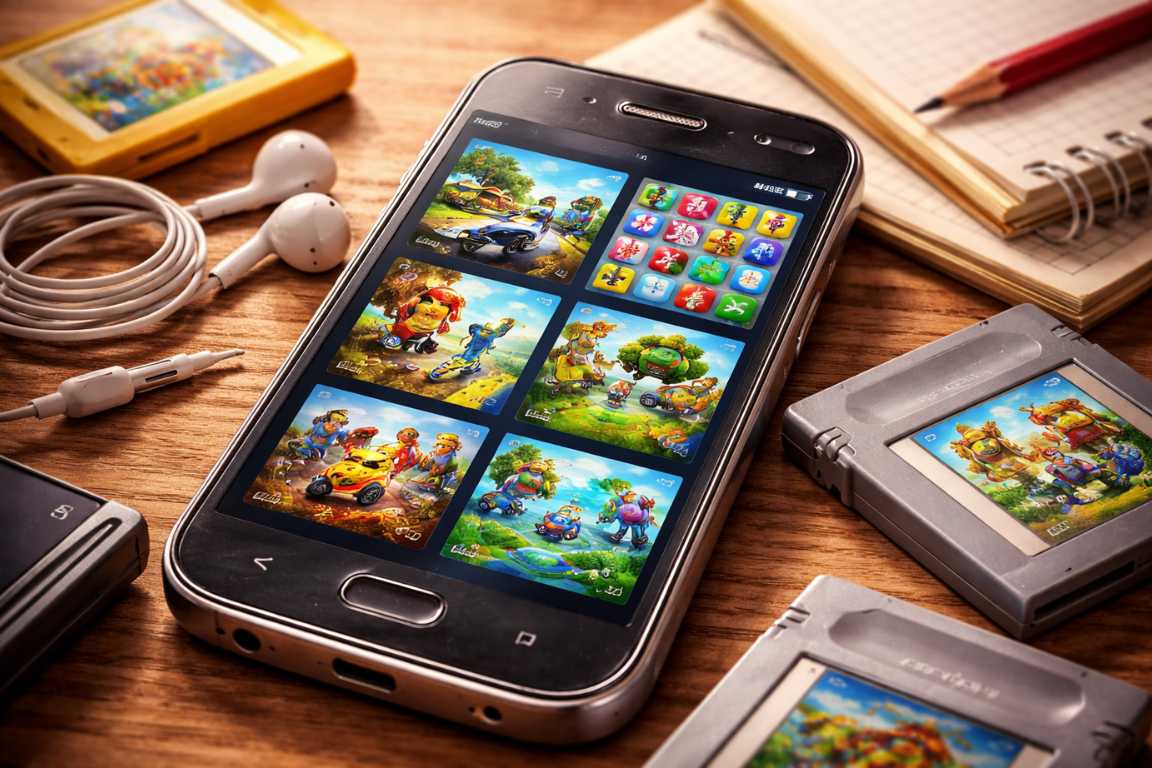
Your old smartphone sitting in your desk drawer is more than a digital relic. It is a powerful tool for entertainment. Modern mobile gaming often feels like a race for the most powerful processor. Developers build new games for the latest 5G connections and massive amounts of RAM. However, these requirements often render new titles unplayable on legacy devices. This shift highlights the incredible value of efficient software. A vibrant world of Offline Games for Old Phones exists for those who know where to look. These games offer high-quality gameplay without using a single byte of data. This guide helps you navigate the realm of mobile play on your cherished older device. You can rediscover the joy of gaming without needing a brand-new flagship phone.
Why Offline Games Suit Older Hardware Perfectly
Older smartphones face several technical challenges. Battery health often declines over time. Internal storage space remains at a premium on these models. Most importantly, the processing power cannot compete with modern chips. This environment is where old android offline games shine. Developers optimized these titles for lower specifications. This optimization reduces physical strain on your hardware. It also extends your battery life during long play sessions. The absence of an internet requirement provides many benefits. You avoid data overages and signal lag. You can play in airplanes, tunnels, or remote vacation spots without interruption. Offline Games for Old Phones provide a stable and consistent experience that modern online games simply cannot match.
Resource efficiency serves as the primary advantage here. Offline titles place lower demands on the CPU and GPU. This creates a much smoother user experience on older screens. Without a cellular or Wi-Fi radio active, your phone saves significant energy. Your device focuses entirely on the game instead of searching for a signal. You gain data independence and can play as long as you want. Eliminating the internet requirement removes the risk of server disconnections. You never have to wait for assets to load from a distant cloud server.
Selecting the Right Offline Games for Old Phones
The Google Play Store hosts a massive variety of fantastic titles. Many only require a connection for the initial download. These games prove that depth does not require cutting-edge graphics. Low-poly art styles and 2D sprites often look better on older screens anyway. Below is a curated list of the best options for your vintage Android device.
Timeless Puzzle and Strategy Gems
Puzzle and strategy titles are ideal for legacy devices. They prioritize logic and mental engagement over heavy graphical rendering. These games often use simple colors and static images. This keeps the processor cool and the frame rate high.
2048: This simple number puzzle is incredibly addictive. The player merges tiles to reach the 2048 mark. Its minimalist aesthetic ensures it runs perfectly on almost any version of Android. It requires very little storage space and almost no RAM. You can play it for hours without draining your battery significantly.
Sudoku: This classic logic game remains a staple for mobile users. Numerous offline versions exist on the store. It provides an excellent way to keep your mind sharp. Most versions offer different difficulty levels. The game saves your progress locally, so you never lose a puzzle.
Chess and Checkers: Traditional board games offer sophisticated AI opponents. These bots do not require an active data stream to calculate moves. The graphics are simple but functional. These games are perfect for short breaks or long commutes.
Minesweeper: This desktop classic transitioned perfectly to mobile devices. It offers deep strategy and deduction through a simple interface. It uses almost no system resources. Even the oldest Android phone can run this game with zero lag.
Plague Inc: This title is more detailed than a basic puzzle. However, the core mechanics rely on strategy rather than fast action. Early versions of this game are remarkably stable on older hardware. It offers a complex simulation of global events that fits in your pocket.
Engaging Arcade and Action Adventures
The early smartphone era defined the endless runner genre. Many of these classics are still the gold standard for mobile fun. They rely on quick reflexes and simple touch inputs. This makes them perfect for older touchscreens that might not support multi-finger gestures well.
Temple Run and Subway Surfers: These two titles redefined mobile gaming. They offer social features online, but the core loop is entirely offline. The fast-paced movement suits older processors well. They provide a sense of speed and excitement without requiring a high-end GPU.
Angry Birds Classic: This game started a global phenomenon. Flinging birds to destroy structures relies on physics engines. These engines do not need high-end shaders to function correctly. It is a perfect fit for an older phone with limited graphical power.
Fruit Ninja: This game provides satisfying reflex-based gameplay. It relies on quick swipes across the screen. Because it lacks complex 3D environments, it performs exceptionally well. It remains one of the best old android offline games for quick entertainment.
Crossy Road: This game features a charming pixel-art style. The developers designed it to be lightweight and accessible. It offers high replay value through unlockable characters. The simple visuals ensure a high frame rate on almost any device.
Doodle Jump: This was one of the earliest mobile hits. It uses tilt-based controls and a simple art style. It is easy on older processors and remains fun years after its release. It takes up very little space in your phone memory.
Immersive RPGs and Story-Driven Experiences
Finding deep role-playing games that work offline is often difficult. However, several heavy hitters work beautifully on older hardware. These games often come from PC ports or early mobile development cycles.
Baldur’s Gate (Enhanced Edition): This massive PC RPG moved to mobile years ago. The file size is large, but the entire experience is offline. It may push the limits of very old phones. However, mid-range legacy devices handle it quite well. It offers hundreds of hours of gameplay.
Star Wars: Knights of the Old Republic: Critics often call this one of the best RPGs of all time. This port offers a full console-quality story. You do not need a web connection to explore the galaxy. The turn-based combat system is gentle on older hardware.
Sorcery! Series: This series blends choose-your-own-adventure storytelling with hand-drawn art. It uses a unique combat system based on logic. Since it is largely text and art-based, it is incredibly gentle on hardware. Your battery will last a long time while playing this.
Wayward Souls: This challenging action-RPG focuses on procedural generation. It uses beautiful pixel art to create a dark atmosphere. It offers an intense experience that does not stutter on older CPUs. Every playthrough is different, which adds huge replay value.
Casual and Simulation Delights
Simulation games offer long-term progression for a relaxed pace. They allow you to build worlds or manage resources over weeks and months.
My Singing Monsters: This rhythm-based collection game is surprisingly deep. It has social elements, but managing your islands works perfectly offline. The animation style is smooth and does not require modern hardware. It is a great choice for younger users with older devices.
Pocket Build: This open-world sandbox allows for immense creativity. Its low-poly art style is a deliberate choice. This choice makes it run smoothly on legacy devices. You can build entire kingdoms without worrying about lag or crashes.
The Sims FreePlay: Some versions allow for significant offline progression. You must download the initial assets first. After that, you can manage your Sims’ lives anywhere. It offers a deep simulation experience on a small technical footprint.
Tips for Maximizing Performance on Old Phones
Optimizing your hardware makes a significant difference. A few simple steps can turn a sluggish phone into a snappy gaming machine. Always start by clearing your system cache. Go to your app settings and clear the cache for your games. This keeps the operating system responsive. You should also manage your background tasks. Close any apps you are not using before you start a game. This frees up limited RAM for the game itself.
Storage maintenance is also vital for speed. Delete old photos or unused applications. A full storage drive slows down the entire operating system. Try to keep at least twenty percent of your storage space free. You should also use Flight Mode. When you play Offline Games for Old Phones, turn on Airplane Mode. This saves battery by turning off the antenna. It also prevents background syncs from interrupting your gameplay. Finally, adjust your internal game settings. Check the menu for graphical options. Set them to Low or Medium to prioritize the frame rate.
Safety and Maintenance for Legacy Devices
Using older hardware requires some care. Battery safety is the most important factor. Old batteries can expand if they get too hot. Monitor the temperature of your phone during long sessions. If the back feels very hot, stop playing. Let the device cool down for ten minutes. Avoid playing while the phone is charging. This creates double the heat and stresses the battery further.
You should also consider your operating system version. Some games require a minimum version of Android to run. Check the requirements on the app page before you try to install it. If your phone is too old for the Play Store, look for reputable APK archives. Only use trusted sites to avoid malware. Keeping your screen brightness at fifty percent also helps. It saves battery and reduces heat production during gameplay.
Frequently Asked Questions
Can old phones run the latest modern games?
Generally, they cannot. Modern titles require the latest operating systems. They also need high-end hardware. Attempting to run them usually results in crashes. Your phone might also overheat significantly. It is better to stick with titles designed for older hardware compatibility.
Where is the best place to find these games?
The Google Play Store is the best standard source. Use search phrases like “no internet required” or “offline.” Always check the user reviews before downloading. Other users will often mention if a game runs well on older models.
Do offline games really save battery?
Yes, they do. The Wi-Fi and cellular radios consume a lot of power. By playing offline, you disable these components. This results in much longer play sessions. Your phone will also stay cooler during the game.
Is it safe to play games on an old phone for long periods?
It is safe if you watch the temperature. Take breaks every thirty minutes. This protects the battery and your eyes. If the device becomes uncomfortably hot, turn it off immediately.
How can I get more storage for games?
Many older phones have a microSD card slot. Buy a high-quality SD card to expand your space. You can move many offline games to the SD card. This leaves the internal memory free for the operating system.
Conclusion
Your older smartphone is far from obsolete. It is a gateway to a library of classic entertainment. By choosing Offline Games for Old Phones, you save money and reduce electronic waste. These games offer accessibility and reliability. They do not rely on expensive data plans or stable signals. You can enjoy intense action, deep narratives, or simple puzzles anywhere. Whether you want to kill time during a commute or enjoy nostalgia, these games deliver. Dust off that old Android today. Clear out some space and install a few classics. You will quickly rediscover the simple pleasure of gaming without boundaries. Your legacy devices still have plenty of life left in them for the savvy gamer.