
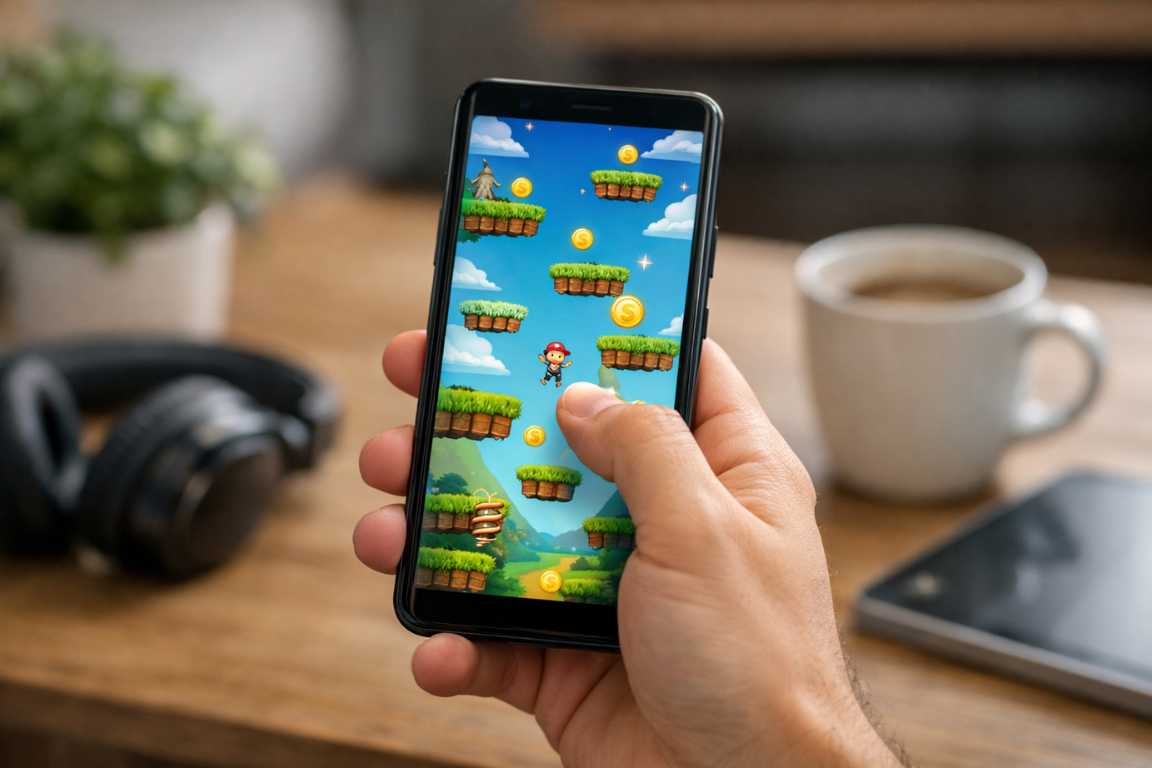
Your smartphone serves as a gateway to endless entertainment. However, many titles demand your full attention and both of your hands. In reality, daily life rarely provides the luxury of two free hands. You might be balancing a cup of coffee during a morning commute. Perhaps you are navigating a crowded airport terminal. In these moments, the need for accessible entertainment becomes clear. This guide explores the best Android Games for One-Hand Play to ensure your gaming remains immersive and convenient. By focusing on titles that utilize simple taps and swipes, you can transform idle moments into engaging adventures. You only need your thumb to enjoy these experiences.
The demand for one-hand android games has grown alongside the size of modern smartphone screens. As displays get taller and wider, reaching across the entire surface becomes a physical challenge. Developers recognize this trend and now create games specifically for portrait orientation. These titles allow you to maintain a firm grip on your device while interacting with every gameplay element. Whether you enjoy high-speed action or slow-paced strategy, the mobile market offers something for everyone. This article dives deep into the world of casual games and complex adventures that you can control with a single finger.
The Evolution of Mobile Accessibility and Portrait Design
Mobile gaming success stems from convenience. True portability requires developers to adapt to real-world physical constraints. Games optimized for one-hand operation address a fundamental human need for flexibility. These titles remove the friction of complex, two-handed control schemes. This design choice makes it possible to play comfortably while standing on a moving train. You can also relax on a couch without awkward hand positioning. Many of these titles fall into the category of casual games. They offer high-quality experiences that players can start or stop at any moment. This flexibility fits the modern lifestyle perfectly.
In the early days of mobile gaming, landscape mode was the standard for immersive play. This mirrored the orientation of traditional consoles and handhelds. However, as smartphones became our primary communication tools, the vertical “portrait” grip became the default way we hold our phones. Modern developers now prioritize this orientation. They place the most important buttons within the “thumb zone.” This ergonomic area is the space your thumb can naturally reach without straining. By focusing on this zone, developers create a more natural and comfortable user experience.
The Benefits of Ergonomic Mobile Gaming
Choosing Android Games for One-Hand Play offers several distinct advantages for the average user. Consider these benefits when you select your next download:
- Enhanced Portability: You can play in any environment. You do not need a stable surface or two free hands to progress in your favorite game.
- Improved Hand Comfort: One-handed games reduce the hand strain and awkward positioning often seen in landscape gaming. Your hand stays in a natural resting position.
- Multitasking Capability: You keep one hand free for daily essentials. You can hold onto a subway strap, carry a grocery bag, or enjoy a quick snack while you play.
- Brief Gameplay Loops: Most one-handed titles feature short sessions. These are ideal for busy schedules and quick breaks.
- Universal Design: These games often feature simpler interaction models. This makes them more accessible to people with different physical abilities or those new to gaming.
Top Categories for Android Games for One-Hand Play
When you search for the perfect one-handed experience, certain genres stand out. Casual games often lead this movement because they emphasize simplicity and immediate fun. However, strategic and fast-paced genres have also adapted well to the portrait format. Let us explore the various genres that define this category.
Puzzle Games: Strategic Thinking with a Single Thumb
Puzzle games are a perfect match for vertical play. They generally rely on precise taps or deliberate drags. You do not need frantic multi-touch gestures to solve a logic problem. These titles offer mental stimulation that turns a long wait into a rewarding exercise. They are among the most popular one-hand android games available today.
Monument Valley and Monument Valley 2 represent the pinnacle of this genre. In these games, you manipulate impossible architecture. You guide a silent princess through stunning environments by dragging and rotating geometric paths. The entire interface responds to single-touch inputs. The aesthetic beauty and calm pacing make it a favorite for commuters. You never feel rushed, and the puzzles encourage thoughtful interaction rather than speed.
Threes! is another masterpiece of minimalist design. This game requires you to slide numbered tiles on a grid to combine them. You only need to swipe in four directions. Despite the simple controls, the strategic depth is immense. It challenges your math skills and your ability to plan several moves ahead. Because it lacks a timer, you can play it at your own pace while walking or waiting in line.
Candy Crush Saga remains a staple for many. This match-3 classic utilizes simple swipe mechanics to clear colorful boards. While it features thousands of levels, the core interaction never changes. You swipe adjacent candies to create matches. The vertical layout ensures that every part of the board remains within your thumb’s reach.
Endless Runners: High-Speed Thrills
Endless runners provide instant excitement through straightforward mechanics. These games almost always use a portrait orientation. You use vertical and horizontal swipes to navigate obstacles and collect rewards. Their fast-paced nature makes them some of the most satisfying one-hand android games for quick bursts of adrenaline.
Subway Surfers is a giant in this category. You play as a graffiti artist running away from a grumpy inspector. The gameplay involves swiping left and right to switch tracks. You swipe up to jump and down to slide. These gestures feel natural and responsive. The game also features “hoverboards,” which you activate by double-tapping the screen. This simple control scheme allows for complex movement without ever needing a second hand.
Alto’s Adventure and its sequel, Alto’s Odyssey, offer a different take on the runner genre. These games feature a serene, beautiful snowboarding journey down procedurally generated mountains. The control scheme is incredibly simple. You tap the screen to jump. You hold your finger down to perform backflips while in the air. This single-button interaction creates a flow state that is both relaxing and challenging. The minimalist HUD keeps the focus on the beautiful scenery.
Temple Run 2 continues the legacy of the original hit. It combines swipes for turning and jumping with device tilting for lateral movement. While tilting adds a layer of physical interaction, the game remains entirely playable with one hand. It tests your reflexes as you navigate ancient ruins and dodge demonic monkeys.
Card and Board Games: Strategic Depth
For players who prefer a slower pace, digital card and board games offer significant depth. These titles often use menu-driven interfaces or drag-and-drop mechanics. This makes them incredibly easy to navigate with one hand. They provide hours of strategic gameplay without requiring fast twitch muscles.
Marvel Snap has revolutionized the mobile card game market. Unlike many competitors, developers built Marvel Snap from the ground up for mobile devices. It features a portrait orientation and fast-paced matches that last about three minutes. You simply drag cards from your hand onto one of three locations. The UI places your cards at the bottom of the screen, right where your thumb rests. It is a perfect example of modern casual games with professional competitive depth.
Solitaire remains a timeless classic. Hundreds of versions exist on the Google Play Store. Most follow the same basic logic: you tap or drag cards to organize them into piles. It is the ultimate “waiting room” game. Because it is turn-based, you can pause at any second without penalty. This makes it a primary choice for anyone looking for reliable one-hand play.
Hearthstone also offers a robust mobile experience. While the game features deep strategy and complex card interactions, the mobile interface is very intuitive. You can manage your deck and interact with the battlefield using simple drags. The game transitions smoothly between your collection and the match, keeping all essential buttons accessible.
Action and RPG Titles for One-Handed Use
It is a common misconception that action games and RPGs require a controller or two hands. Several developers have pioneered “one-touch” action mechanics that work beautifully on Android.
Vampire Survivors is a massive hit that recently arrived on mobile. In this game, your character attacks automatically. Your only job is to move the character around the screen to avoid enemies and collect experience gems. You can control the movement with a virtual joystick located anywhere on the screen. This allows you to play the entire game with your thumb while holding the phone vertically. It is addictive, intense, and perfectly suited for one-handed operation.
Archero is another title that perfected the “move and stop” mechanic. You move your character with a single finger. When you stop moving, your character automatically shoots at the nearest enemy. This creates a rhythmic gameplay loop. You dodge projectiles, then find a safe spot to fire back. The progression system is deep, yet the controls remain remarkably simple throughout the entire experience.
Dragon Quest VIII and other classic RPG ports often include a one-handed mode. Square Enix specifically redesigned the interface for these mobile versions. They moved the menu buttons and movement sticks to accommodate a vertical grip. This allows you to explore massive fantasy worlds and engage in turn-based combat using only one hand.
How to Find Your Next Favorite Game
With millions of options on the Google Play Store, finding the right game requires a strategy. You should look for specific indicators of quality and control. First, examine the screenshots. Look for titles that emphasize portrait mode. If the preview images show the game being played vertically, it is almost certainly designed for one-handed use.
Read the descriptions carefully. Look for mentions of “one-touch controls” or “intuitive interfaces.” Developers often highlight these features to attract commuters and casual players. User reviews also provide excellent insight. Search the review section for terms like “comfortable,” “one-handed,” or “portrait.” Other players will often mention if a game feels awkward or if it requires too much stretching to reach buttons.
Key Features to Look For:
- Portrait Orientation: This is the gold standard for one-handed use. It allows for a secure grip.
- Simplified Interface: The best games have minimal on-screen buttons. This avoids excessive thumb stretching.
- Tap-to-Play Mechanics: Single taps for core actions represent the most ergonomic option.
- Fluid Swipe Controls: Smooth gestures for movement ensure the gameplay feels responsive.
- Adjustable UI: Some advanced games allow you to move the buttons to either the left or right side. This accommodates both left-handed and right-handed players.
The Rise of Hyper-Casual and Incremental Games
The hyper-casual movement has transformed the industry. These games focus on instant playability. You can understand the mechanics in seconds. Most only require a single finger to play. Similarly, incremental or “clicker” games provide a sense of progression through simple repetitive actions. These are perfect when you want to focus on something else while making progress in a game.
Helix Jump is a great example of a hyper-casual hit. You rotate a central pole to let a bouncing ball fall through gaps in platforms. You only need to slide your thumb left or right. The physics are satisfying, and the levels are short. It is the definition of a great casual game for quick breaks.
AdVenture Capitalist represents the idle or incremental genre. You start by clicking a button to sell lemons. Eventually, you automate your businesses. You manage menus and upgrade your empire with simple taps. These games do not require your constant attention. You can check in, make a few moves, and close the app, all with one hand.
Technical Tips for Better One-Handed Gaming
Your Android device itself has tools to help you play better with one hand. Most modern Android versions include a feature called “One-Handed Mode.” You can usually find this in the Settings under “System” or “Gestures.” When you activate it, the phone shrinks the display area toward the bottom corner. This makes the top of the screen much easier to reach.
You can also adjust the “Touch Sensitivity” in your display settings. Increasing sensitivity can make light taps and quick swipes more reliable. This is especially helpful if you use a screen protector. Finally, consider using a phone grip or a “pop-socket.” These accessories provide extra stability. They allow your thumb to reach further across the screen without you losing your grip on the device.
Frequently Asked Questions
Which Android games are best for one-hand play?
Puzzle games like Monument Valley, endless runners like Subway Surfers, and card games like Marvel Snap are excellent choices. They prioritize portrait orientation and simple touch inputs.
How can I find more one-hand games on the Play Store?
Search for terms like “portrait mode” or “one-touch controls.” Always check the orientation of the game in the official preview images before downloading.
Are all casual games easy to play with one hand?
No, not all of them are. Some casual games still require landscape orientation or two-handed controls for the best experience. Always verify the control scheme in the app description.
Can I play action-heavy RPGs with one hand?
While many action RPGs are complex, titles like Archero or Vampire Survivors are specifically designed for one-handed movement. Turn-based RPGs like Dragon Quest are also very one-hand friendly.
Do one-handed games drain the battery faster?
The control scheme does not affect battery life. However, many one-handed casual games use simpler graphics, which can actually save battery compared to high-end 3D landscape games.
Are there one-handed games for left-handed people?
Most one-handed games are symmetrical, meaning they work equally well for both hands. Some titles even offer a “left-hand mode” in their settings to flip the user interface.
Conclusion
The mobile gaming landscape is more diverse than ever. The shift toward accessible, one-handed design benefits players everywhere. Whether you want a mental challenge or a quick adrenaline rush, high-quality titles are waiting for you. By choosing Android Games for One-Hand Play, you ensure that your entertainment fits into your busy life. You no longer need to sit down or clear your schedule to enjoy a premium gaming session. Explore the vast world of casual games today. You will be surprised by how much fun you can have with just one thumb and a few minutes of free time. Start your journey with one-hand android games and reclaim your mobility while you play.